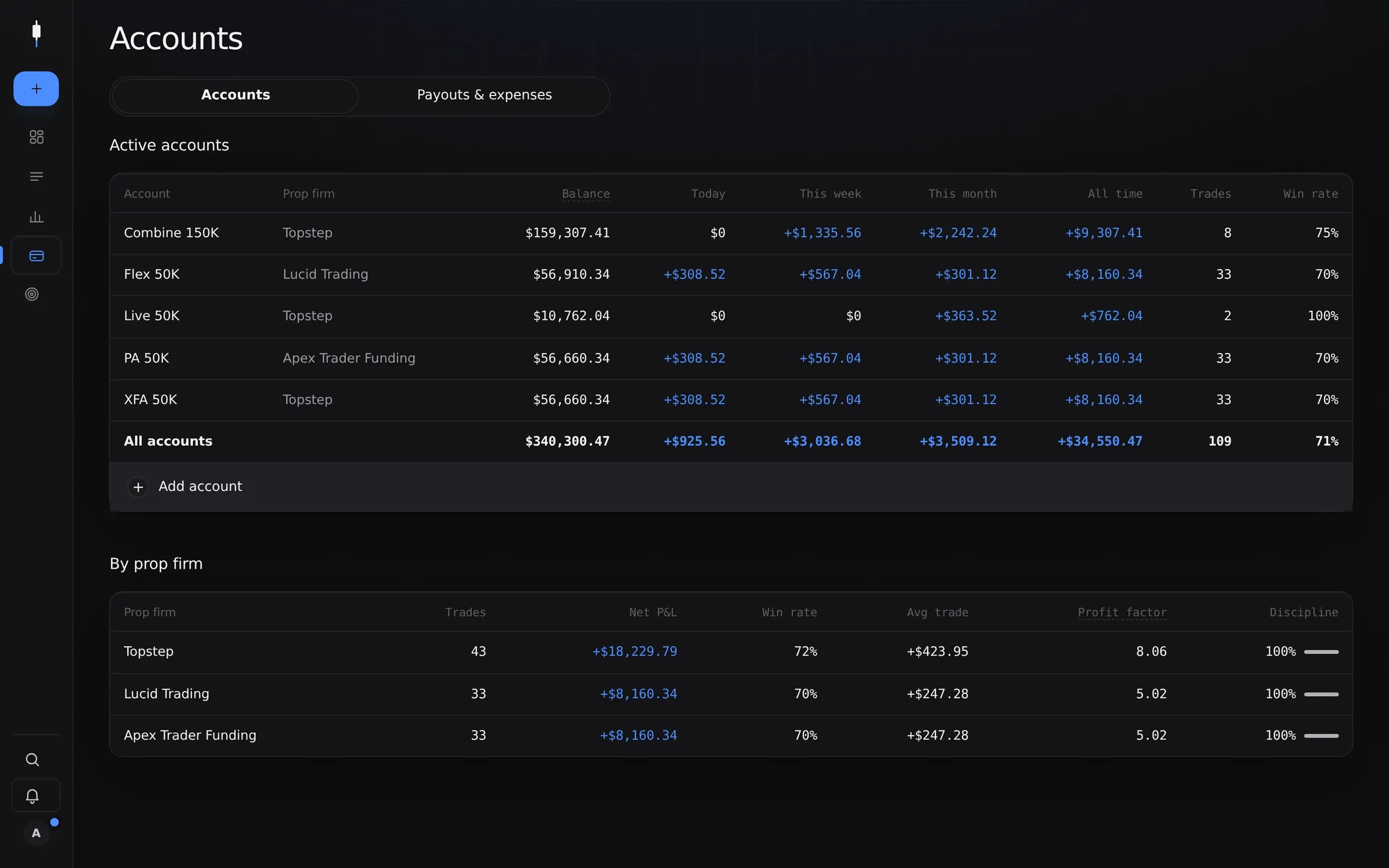
How it works
- Add an account: pick the firm, the account type and the size. For Lucid Trading, Topstep, Apex Trader Funding, Take Profit Trader, MyFundedFutures and Alpha Futures, the rules fill in from Sweep’s preset, for guidance; for any other firm, you enter them once.
- Add your trades: from a screenshot, by importing your platform’s export, or automatically from NinjaTrader 8. The trade copier logs one trade on several accounts at once.
- Watch each account update: when an evaluation is passed, its funded account is created with the firm’s funded rules, and a funded account moves to live in one tap.
- When an account ends, it keeps its whole history, marked failed, passed or closed.
When a firm changes a rule
Sweep checks every firm’s official pages each week. When a rule changes, you see what it means for your account and choose to apply it or keep yours. The current rules of each firm are on our prop firm rules pages.
A tracker or a spreadsheet?
A spreadsheet can list your accounts, but it won’t recompute a trailing drawdown after every trade, count winning days since your last payout, or warn you in the trade ticket when today’s limit is close. Sweep does, for every account at once.