Help
Import your trades from Tradovate.
Bring your history into Sweep in a few minutes with the Tradovate Performance report.
- In Tradovate, set your time zone to New York so times match Sweep.
- Open the Performance report for the period you want and export it as CSV.
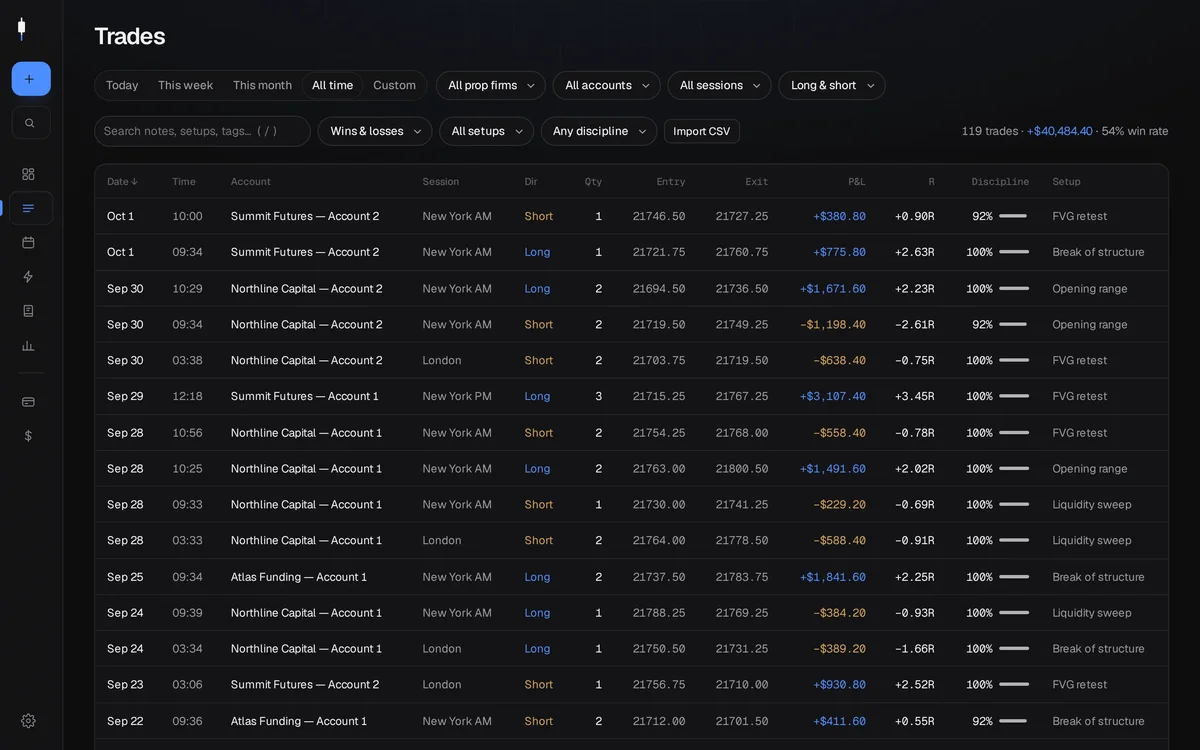
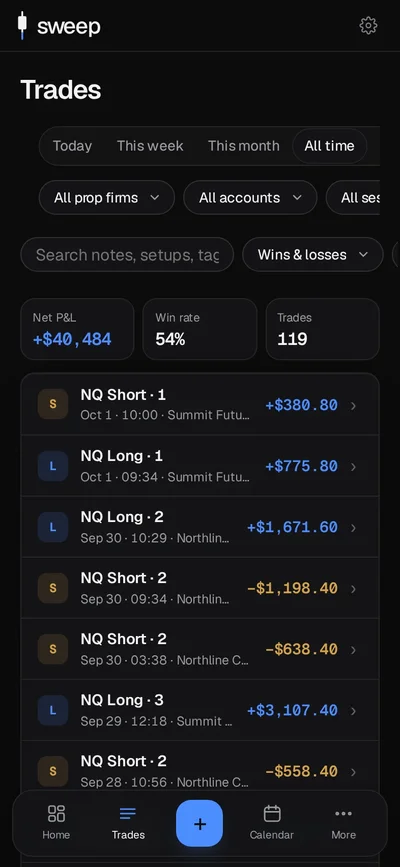
- In Sweep, go to Trades → Import CSV and choose the file.
- Check the preview, pick the account, then import. Fills of the same entry are grouped into one trade.
- Import again any time: trades already in Sweep are skipped, never duplicated.
Start your record today.
Free during early access. Members who join now get VIP pricing at launch.
Sweep down. Jump up.